
Your inspections and your inspectors
Documentation
This page is for the real-estate agent. It covers what your account shows you once you have one — see Creating your agent account if you do not.
The dashboard: grouped by property, not by company
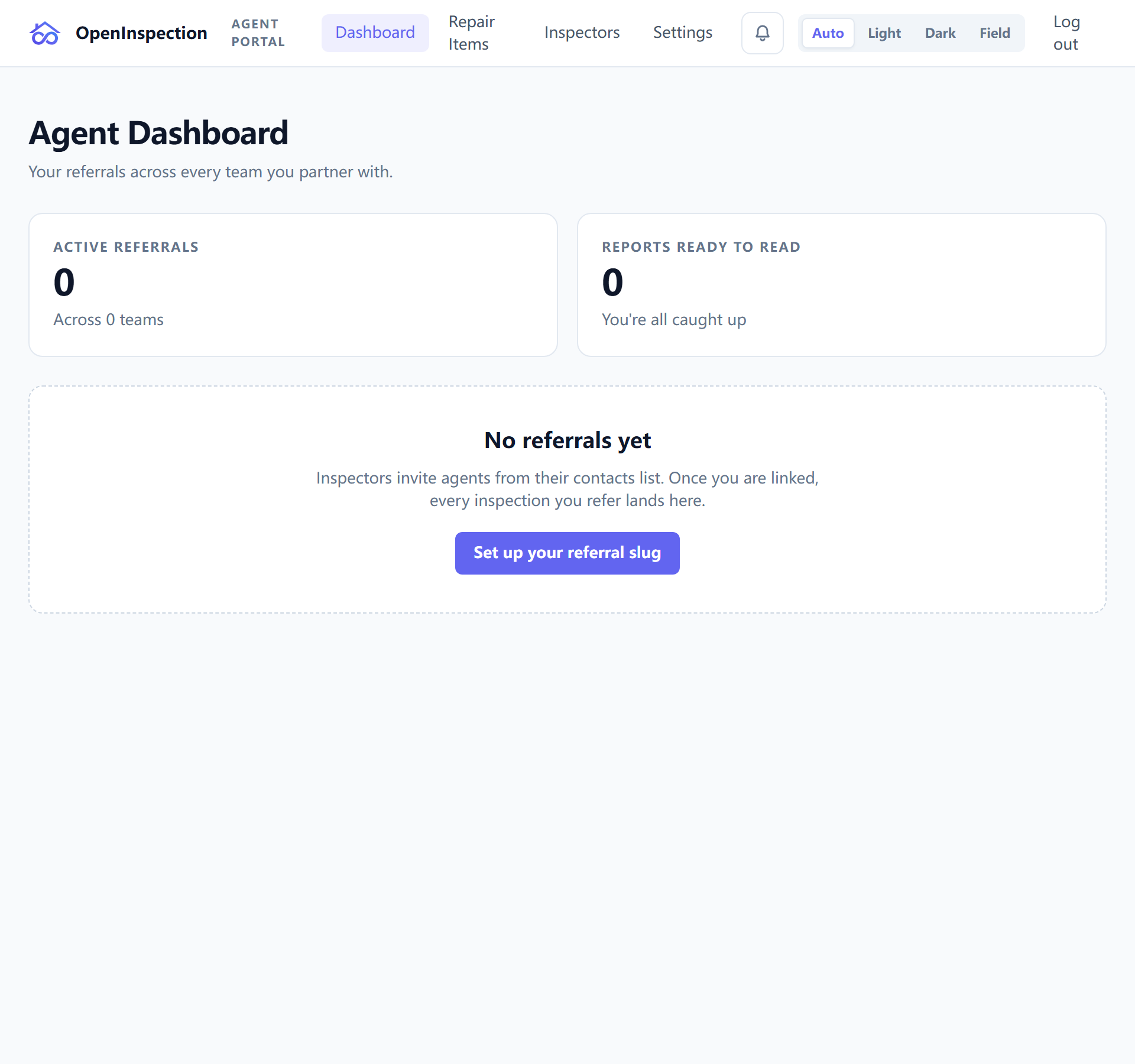
/agent-dashboard lists every inspection you are named on, across every
inspection company that named you.
The first-level heading is the address, not the company. Your unit of work is the deal, not the vendor: two inspections at the same property by two different companies collapse into one group of two rows, rather than being filed under two separate headings. Arriving from an email about one property, you find that property at the top rather than having to remember who inspected it.
Groups are ordered by the most recent inspection. There is a company filter when you do want to see one vendor's work on its own.
An empty list says so as a conclusion. If the list failed to load you are told that instead — "no inspections" and "we could not fetch your inspections" are different sentences here on purpose.
Opening one
Each row carries the property, your client's name, the date, the inspector, and where the job and its report stand.
What you can open depends on what you were given: an inspection you were named on shows you its details; a report opens if you were sent access to it. Nothing here grants you a view into the inspection company itself — the boundary is in Creating your agent account.
Your inspectors
/agent-inspectors is the roster: the inspectors you have actually worked
with, each with their photo and the company they belong to, built from the jobs
you were named on rather than from a directory.
It is a short page with a specific use — the referral you are about to make, when you cannot remember who did the good job on the last one.
Repair items, and why one company shows them and another does not
/agent-repair-items reaches the repair list for the inspections you are on —
where the inspection company permits it.
Each company sets one of three levels:
| Level | You can |
|---|---|
| Off | not open the list at all |
| Read | open and read it — the default |
| Read and write | also build and change a repair list |
Two things follow, and they explain most of what looks inconsistent:
- The default is read, for every company, old and new. It was read-and-write until August 2026, on the reasoning that companies predating the setting should keep what they had. That argument covered exactly those companies and nobody else — a company created afterwards never had anything to keep, so the wider default was a choice made on its behalf, and it let an external third party write to a homebuyer's defect list at a company that had never been asked.
- Your access is the stricter of two things: the company's policy, and what your own role on that inspection allows. Neither can widen the other.
So the same account can be read-and-write at one company and read-only at another, on the same day, with nothing wrong. If you need to build repair lists somewhere, that company can turn it on — they will know they did.
Notices
The bell in the header is your notice list, and it carries one specific kind of message: things about you that you can do something about. The clearest example is a message that could not reach you, with the fix beside it — turn on texts, say.
What it deliberately does not carry is the inspection company's own plumbing. "The rule has no template", "SMS is not configured", "the number is waiting on carrier approval" are their problems, not yours; where the reason is not something you can act on, you simply see that a message was not delivered.
A remedy only appears where there is a real path behind it. Notably there is no self-service email change — your access is keyed to your address, so changing it is a conversation with the inspection company rather than a form.