
Your client portal
Documentation
This page is for the person having the property inspected. Your portal is where your report, your agreement and your invoice all live in one place — no password, and nothing to install.
Signing in with a link, not a password
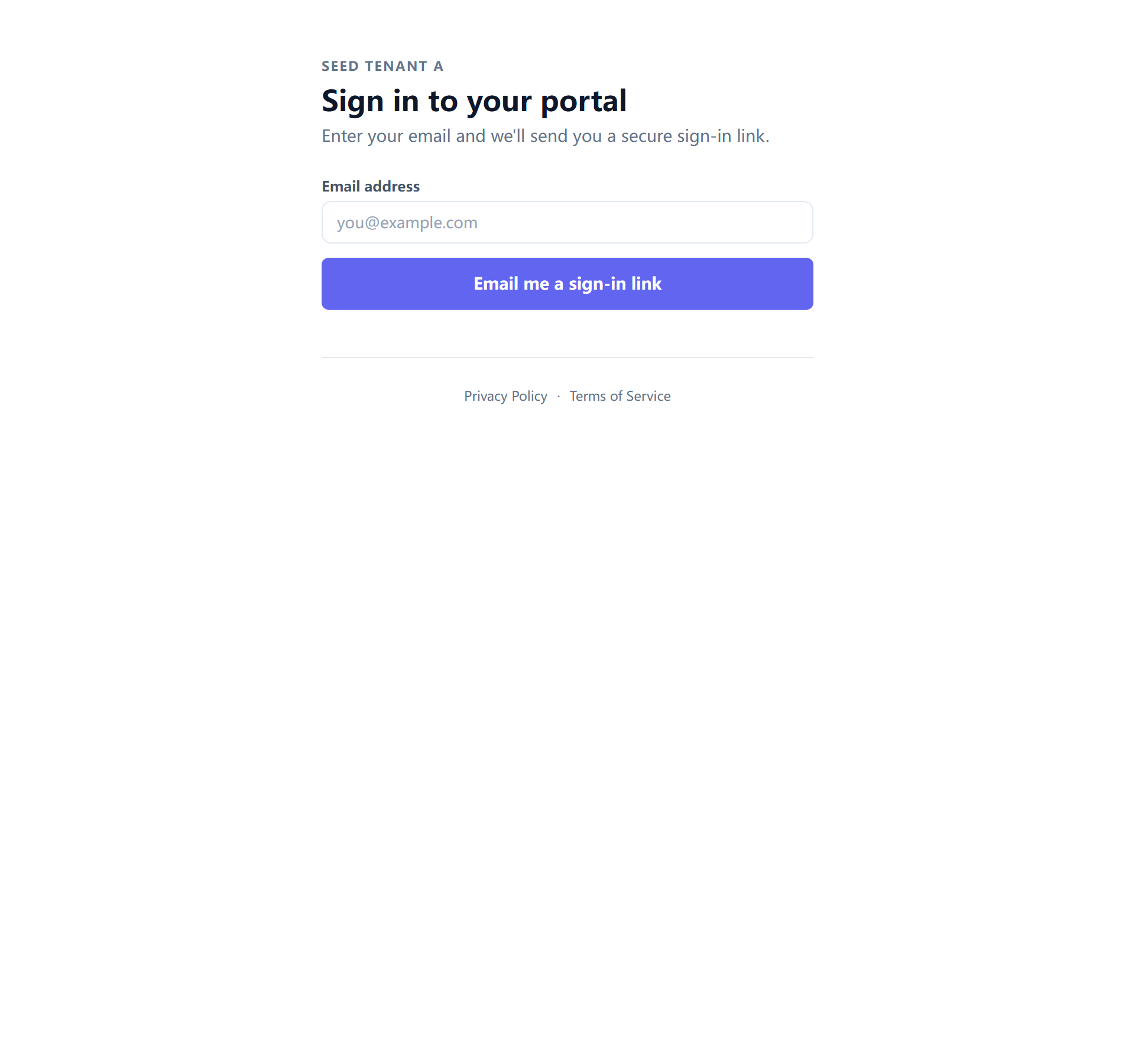
Your inspector's portal is at /portal/<their-company>. Signed out, it asks for
one thing: your email address. It then emails you a link that signs you in.
There is no password because there is no account. You are not a user of a product here — you are the person a report belongs to, and holding the email address it was sent to is the thing that proves it.
The page never says whether it knows your address. Whatever you type, you see the same "check your email" panel. That is deliberate: a page that answered that question would let anybody test whether a given person had an inspection with this company.
Links in the emails your inspector sends usually sign you in directly, so most of the time you will not visit the sign-in page at all.
My Inspections
Signed in, you get your inspections — every job this company has done for you, not just the most recent one.
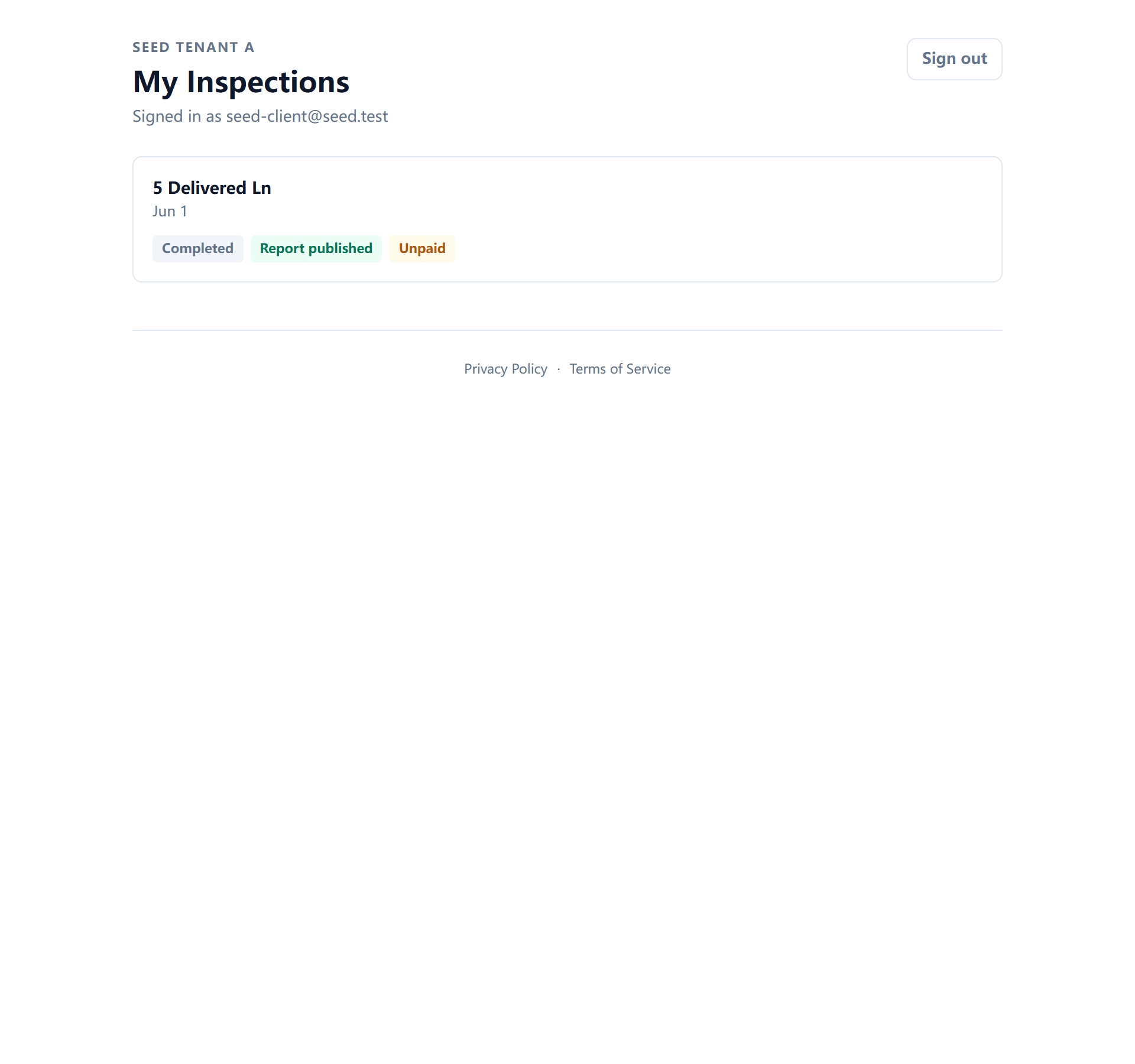
One inspection, in one place
Opening an inspection gives you its hub, with everything about that job on tabs:
| Section | What is there |
|---|---|
| Overview | Where the job stands right now |
| Report | Your report |
| Agreement | The inspection agreement — to sign, or to re-read after signing |
| Payment | The invoice, and paying it |
| Documents | Files attached to the job, in both directions |
| Repairs | The repair request you build from the report |
| Progress | What has happened so far |
| Notifications | What this company sends you, and how |
The tabs load as you open them, so the page arrives quickly on a phone even when the report is long.
Notification settings
Your notification settings are also a page of their own, at
/portal/<their-company>/notifications, and it works signed out — it takes
your email and sends a one-time link back to that same page.
That second entrance exists for a specific reason: a privacy policy or a terms page has to link somewhere, and it is read by people who are not signed in and who do not have an inspection open. Sending them into a hub would mean sending them into some inspection they were not looking at.
Like the sign-in page, it never reveals whether your address is known.
When a link stops working
Links expire. That is a feature — an inspection report is a document about a specific person's home, and a link that worked forever would be one forwarded email away from being public.
If a link no longer works you will be told it has expired, and offered a way to get a new one. Nothing is lost: the portal is the durable copy and the email was only ever the delivery route.
Two cases that look the same and are not:
- An expired link — ask for a new one, or sign in with your email.
- Access withdrawn — your inspector can revoke a specific person's access. If a new link does not help, that is the conversation to have with them.
← Booking an inspection · Next: Signing, paying, and asking for repairs