
Signing, paying, and asking for repairs
Documentation
This page is for the person having the property inspected. Everything here works from a link, on a phone, with no account.
Signing the agreement
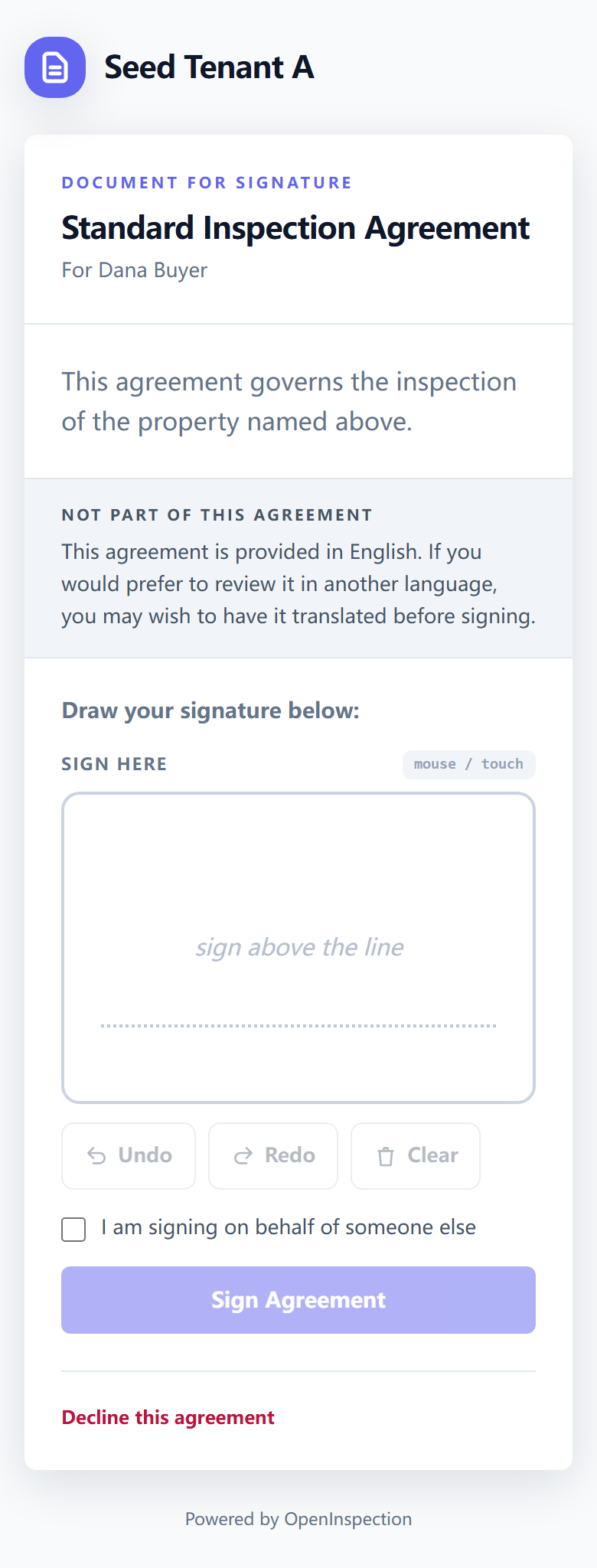
Your inspector sends you a link. It opens the agreement in full, with space to sign at the bottom — drawn with a finger on a phone or a trackpad on a laptop.
Things worth knowing before you sign:
- The link is yours. If more than one person is signing — you and a co-buyer, say — each of you gets your own link, and each signature is recorded as that person's. Do not forward yours; ask your inspector to send the other person theirs.
- You can decline, and say why. That is a recorded outcome, not a dead end.
- Signing for someone else — a spouse, a relative, a company — is a thing the page supports explicitly: say whose behalf you are signing on, and that is stored with the signature rather than assumed later.
- What is recorded with your signature: the time, your IP address, and your browser's description of itself. That is evidence that the signature was made when and where it says.
If your inspector requires both a signature and a payment before releasing the report, one page handles both, in that order, showing you what is still outstanding at each step. Where several people must sign, your own step can show as done while the agreement as a whole waits on someone else.
Paying, and what it unlocks
You can pay from the invoice link or from the payment tab of your portal.
Whether payment unlocks anything depends on your inspector's policy:
- Some hold the report until the invoice is paid. If that is the case, opening your report link before paying shows you what is outstanding and a button to clear it — not an error.
- Many do not gate at all, and send the report regardless.
If you paid your inspector directly — cash, a cheque, a transfer — they record it on their side, and that releases the report just the same. You do not need to pay again through the site.
Reading your report
Your report opens from its link, or from your portal. It is a web page rather than a PDF attachment: it works on a phone, and photos are full size rather than compressed into an email.
Your inspector can also send you a PDF, and one may be attached to the notification you received.
If your report is amended after you first read it, you are told — and the note says what changed. What you originally received stays verifiable as what it was, even after an amendment.
Building a repair request
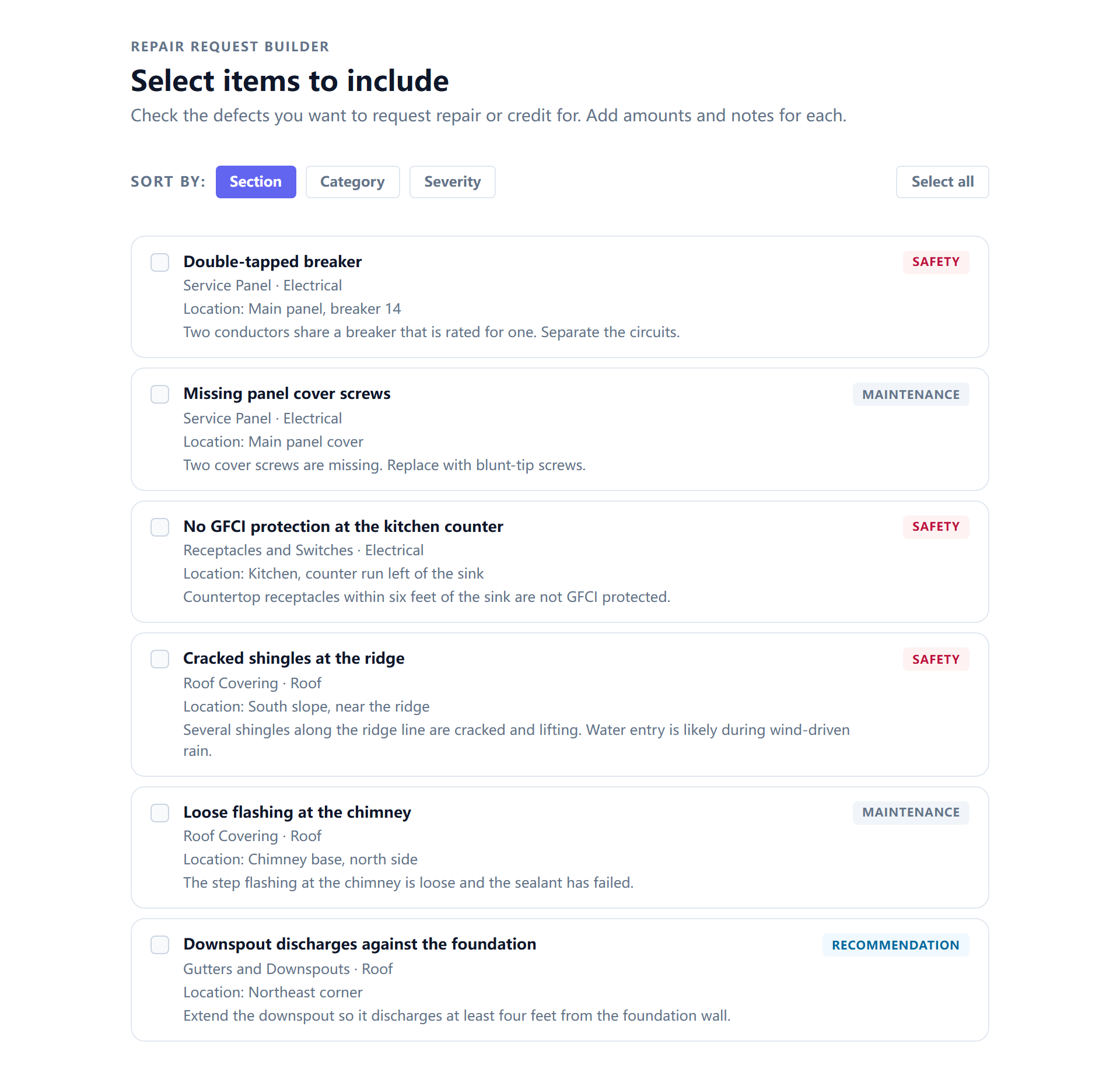
The findings in your report can be turned into a repair request: a list of the items you want addressed, built by ticking them rather than retyping them into an email.
Each item carries what the report already said about it — the finding, where it is, and which trade it belongs to ("licensed roofer") — so the list is actionable by whoever receives it. You can tag each one with what you are asking for (repair, replace, a credit, or something else) and name the credit you are requesting.
The builder shows no repair estimates, deliberately. The only money field here is your own credit request. A cost figure printed beside a finding would read as the inspection company's price for the work, and they are not the people doing it.
What you build goes back to your inspector, and a contractor can be given a view of just that request — the items, without the rest of your report.
Checking a signature yourself
You do not have to trust your inspector's system — or ours — to confirm that a signed agreement is what it says it is.
| How | What you do |
|---|---|
| From the document | The signed PDF carries a QR code. Scanning it opens a page that checks the signature. |
| From the link | The agreement's verification page does the same thing in a browser. |
| Offline | Ask your inspector for the audit-trail export, then open the offline verifier and drop the file in. It checks the whole chain in your own browser, using the key inside the export — no connection to your inspector's system, and no account. |
The offline path is the one that matters in a dispute, years later: it keeps working whether or not that company is still trading, and it does not ask anybody's permission.