
Your content library and the marketplace
Documentation
Two things that are easy to conflate. Your library is the content this workspace owns — you wrote it, or you installed it and it is yours now. The marketplace is the shelf you take content off. Nothing installs itself, and nothing you install stops being yours to edit.
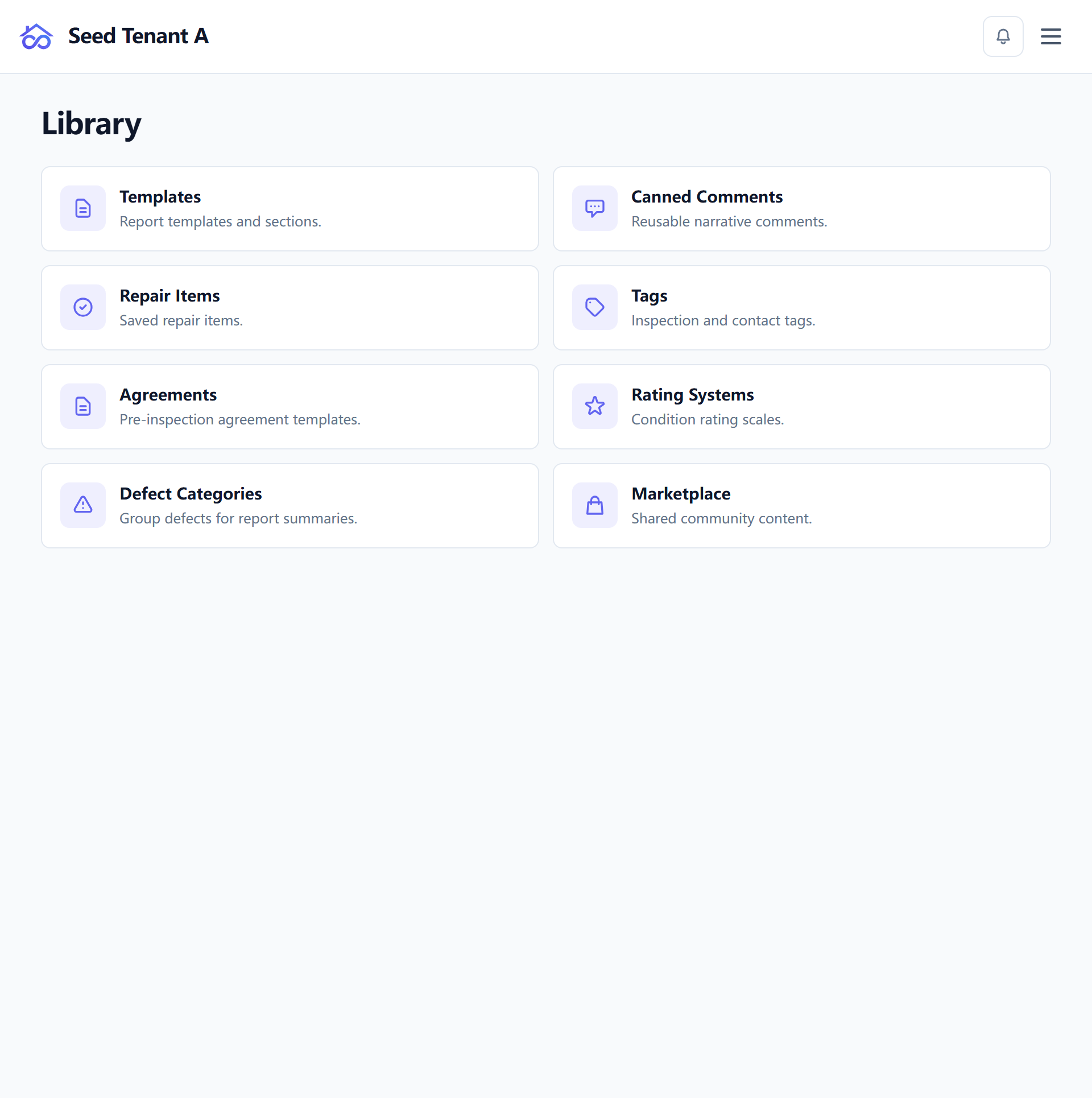
What the library holds
Library is one hub with eight tiles, and everything a workspace authors or installs is behind one of them:
| Tile | What it holds |
|---|---|
| Templates | The forms inspections are recorded on — configuring them |
| Canned Comments | The reusable wording behind a rated item, so a defect is written once |
| Repair Items | Saved repair items, for the list a client's contractor works from |
| Tags | The labels on inspections and contacts, including the five pinned into the editor |
| Agreements | Pre-inspection agreement templates — how they are signed |
| Rating Systems | The condition scales an item can be rated on |
| Defect Categories | How defects group when a report is read as a summary rather than as a walk |
| Marketplace | Where the other seven get content they did not write |
The first seven are yours. The eighth is the shelf.
The marketplace
The catalogue holds three kinds, and the tab strip names them: Templates, Comments and Statutory, with All in front. The count beside the heading follows the tab you are on — filtering happens on the server, so it is the whole catalogue being narrowed rather than the page you happen to be looking at.
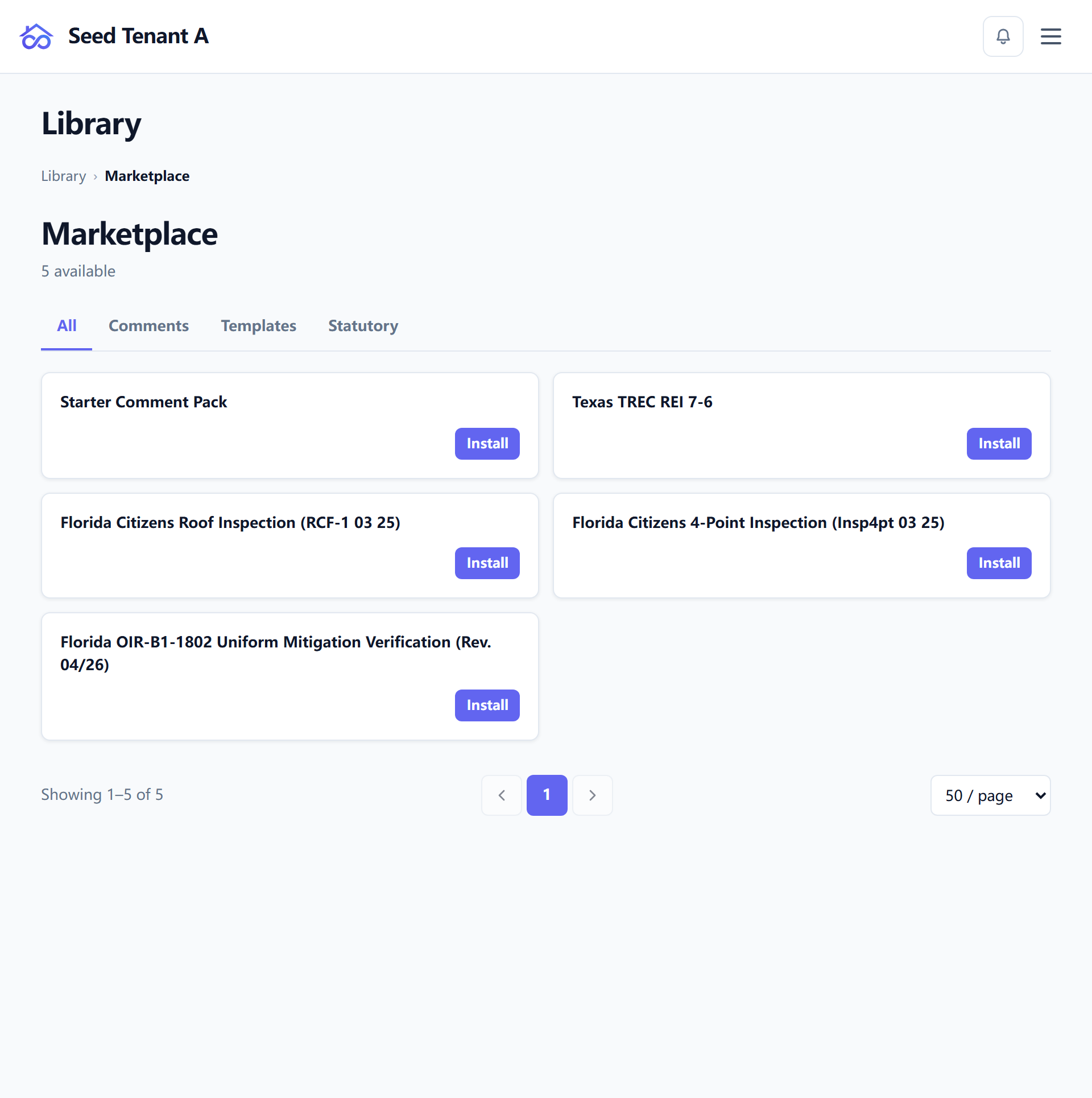
Both ways of running the product have a catalogue, which is worth saying because it used to be untrue. A self-hosted deployment installs from the one its own build ships. What hosting adds is publishing — putting an entry in front of other workspaces, which needs a platform on the other end. Installing does not.
Install puts a copy in your library. Install again appears where you have uninstalled something and changed your mind — nothing is lost by trying an entry out.
Uninstalling, and what it does not touch
Uninstalling asks first, and the confirmation says which of the two things is about to happen, because they are not the same:
- A template stops being offered for new inspections. Inspections already using it are unaffected — each one carries its own copy of the form — and their reports can still be re-issued.
- A comment pack takes its own comments out of your library. Comments your team wrote, and comments from other packs, are left alone.
Either way you can install it again at any time. This is deliberately not a destructive action.
When a pack you installed is updated
This is the part worth reading before it happens to you. A publisher updating a comment pack cannot simply overwrite your library, because you may have rewritten some of what they gave you.
So the update screen counts both sides first — how many of your comments the publisher changed, and how many of those you had already edited since importing — and shows you the pairs: your version beside theirs, with the date you edited it. Entries dropped from the new pack are marked as gone rather than quietly removed.
Then it asks one question about the ones you rewrote: keep your wording, or take the publisher's. The comments you never touched are updated either way, and the screen says how many those are.
Nothing is applied while you are looking at it. The choice is the action.
Statutory forms are a kind, not a special case — until they are
A statutory form installs from the same shelf, under the Statutory tab. It then needs two things no other kind needs: the issuing authority's own PDF, and a date-bounded revision that has to match the inspection. That is a separate page: State and statutory forms.
← Inspection types and templates · Next: State and statutory forms