
Booking an inspection
Documentation
This page is for the person having the property inspected. Your inspector uses Inspector Hub to run their business; you do not need an account with anyone to book, sign, pay, or read your report.
Finding your inspector's booking page
Your inspector's booking page is a web address they give you — from their website, an email, or a text. It may also be embedded directly in a page on their own site, which works exactly the same way.
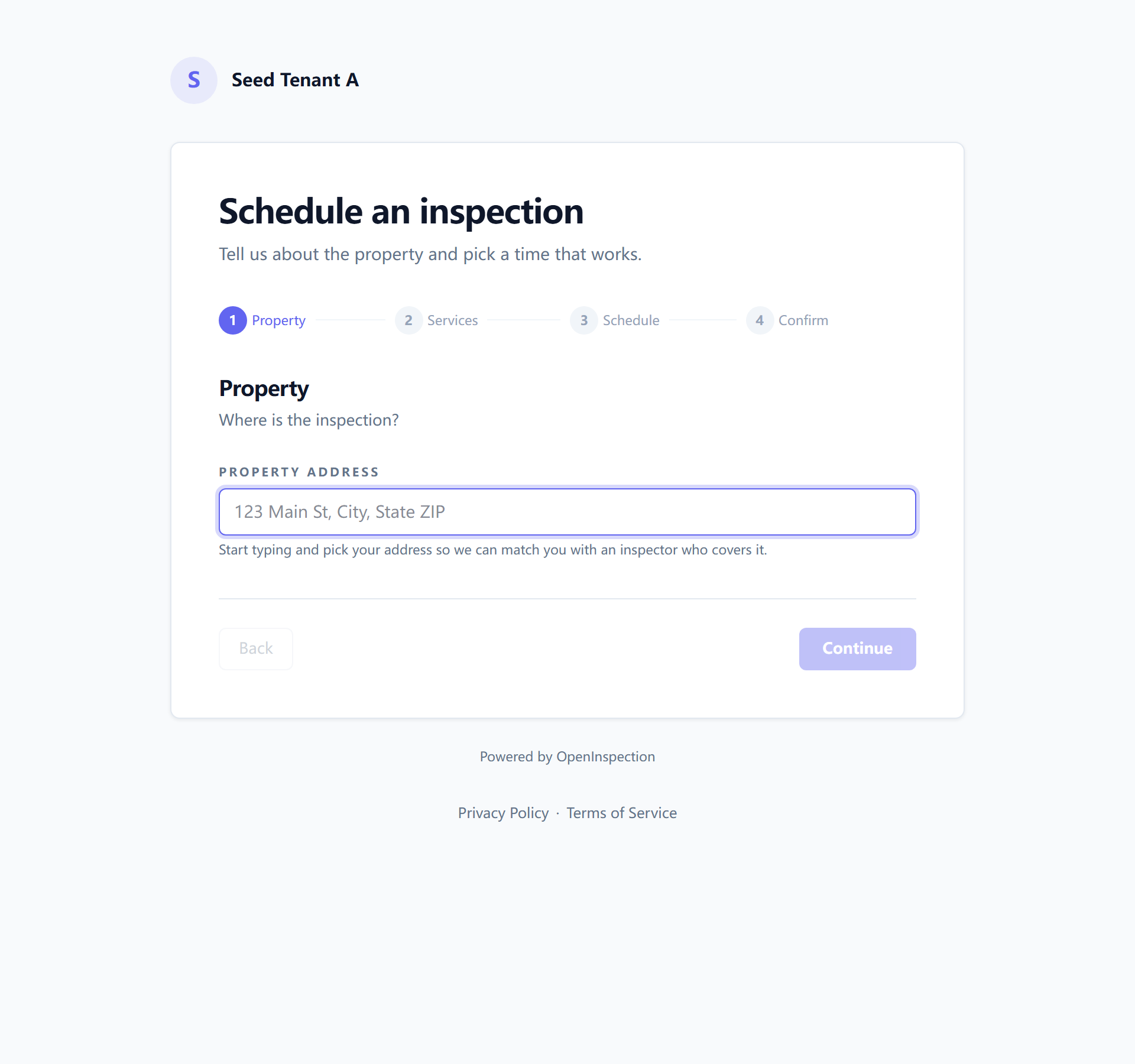
If your agent sends you a link that already has your inspector's name on it, that is the same page with that person pre-selected.
What you are asked, and why
The form is four short steps: property, services, schedule, and a confirmation of all three.
The property. The address, and a few optional facts — year built, size — that help your inspector prepare and quote accurately.
The services. What you want inspected. Each service shows its price, and the running total updates as you choose.
The schedule — and, on the same step, you. A date and a time window (morning, afternoon, or a specific time if your inspector accepts one), then your name, email, and optionally your phone. Some companies let you choose which inspector comes; where that is off, the first available qualified inspector is assigned to you.
Two things on that step are worth knowing:
- Text messages are opt-in. The tick box is off until you tick it. If you do not want texts, say nothing and you will not get any.
- Your details may be remembered on your own device, so booking a second inspection does not mean retyping them. That is stored in your browser, not in an account, and you can clear it from the form.
You may be asked to complete a quick "not a robot" check before submitting. If your inspector takes a deposit, the amount due is shown before you confirm.
What happens afterwards
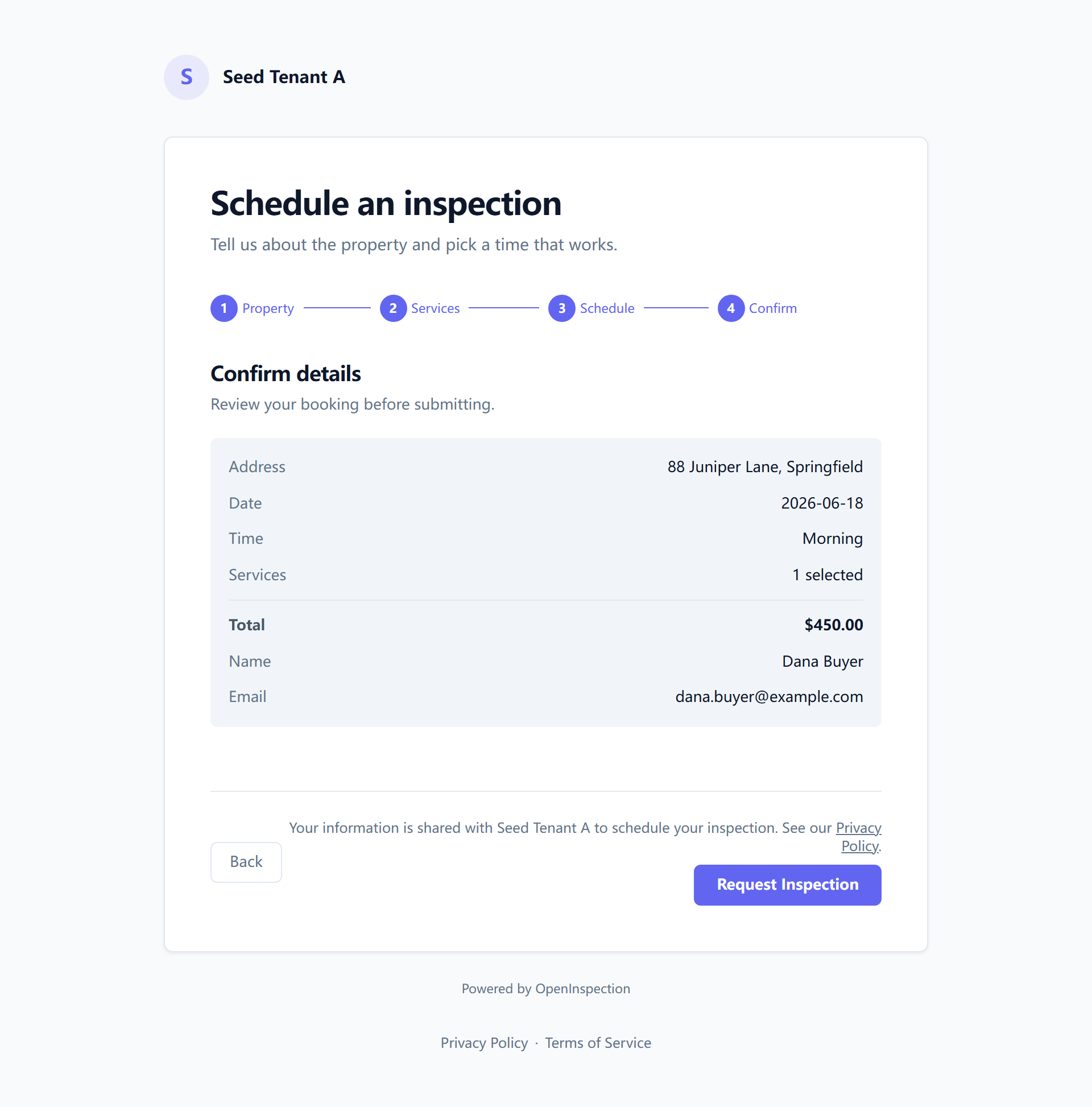
A booking arrives with your inspector as a request rather than a settled appointment — the difference matters if two people happen to ask for the same slot, because only one of them can have it and the loser is told immediately rather than after a confirmation.
Once it goes through, most companies have this set up to reach you automatically:
- A booking confirmation naming the property, the date and your inspector.
- The inspection agreement to sign, usually straight away. It is a link; you do not need an account. That link expires, so sign it while you have it.
- A reminder the day before.
Whether these arrive by email, by text, or both is your inspector's choice and your consent — a text is only ever sent where you agreed to receive one.
Some companies review agent-submitted bookings before confirming them. If yours does, and your agent booked for you, your confirmation link arrives once your inspector has approved it.
Changing or cancelling
Contact your inspector. There is deliberately no self-service cancel button: inspection companies have cancellation policies with real fees attached, and a booking cancelled by a client through a screen would skip the conversation where that gets explained.
Your inspector's system shows them the exact fee before they can confirm a cancellation, so ask them what it is — they can see it as clearly as you can.
Next: Your client portal, the one place your report, agreement and invoice all live.