
Connected apps
Documentation
Two pages that sound alike and are not:
- Settings → Integrations — services you connect to, so the product can use them.
- Settings → Connected apps — third parties you have let in, so they can use your data.
The second is an access-control page. Treat it that way.
Integrations
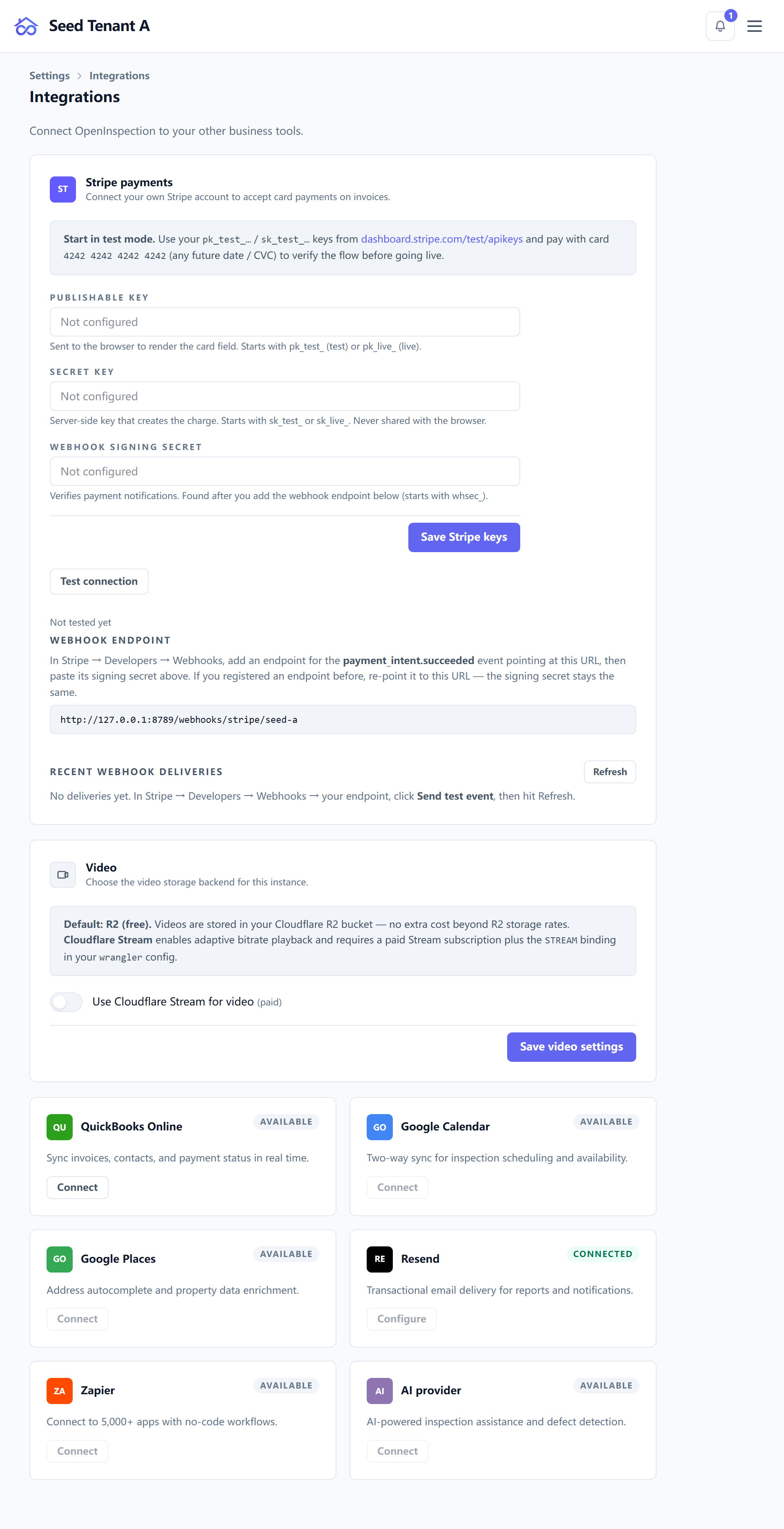
| Service | For |
|---|---|
| Stripe | Taking payments — your own account, always |
| QuickBooks Online | Invoices and payments in your books |
| Google Calendar | Your schedule where you already look at it |
| Google Places | Address autocomplete on the booking and wizard forms |
| Email provider | Sending mail as you — see Messages and templates |
| Video | Hosting walkthrough video attached to reports |
| AI | Drafting help in the editor |
| Zapier | Everything else, by way of a general connector |
Each card says whether it is connected, and each one that needs credentials says which are missing rather than failing at the moment you need it.
Stripe is the one to get right first, and the rule about it is unusual: your stored key always beats a key configured at the deployment level, so payments land in your account and never anywhere else. The reasoning is in Invoicing and payments.
QuickBooks, and why your setup screen may differ
Hosted — nothing to configure. One published Intuit app serves every workspace, so the page shows a single Connect button; the credential fields are hidden because they would be questions with no right answer for you.
Self-hosted — you register your own app with Intuit first. Intuit matches the redirect URI byte for byte and your deployment answers on its own domain, so the platform's app cannot serve you. The credential fields appear for that reason, not as a restriction — and the environment field among them has no default, because a guessed Intuit host is wrong half the time and fails in a way that reads like a bad credential.
One QuickBooks company connects to one workspace, either way. What syncs, and crucially which amount, is in Invoicing and payments.
Connected apps: who you have let in
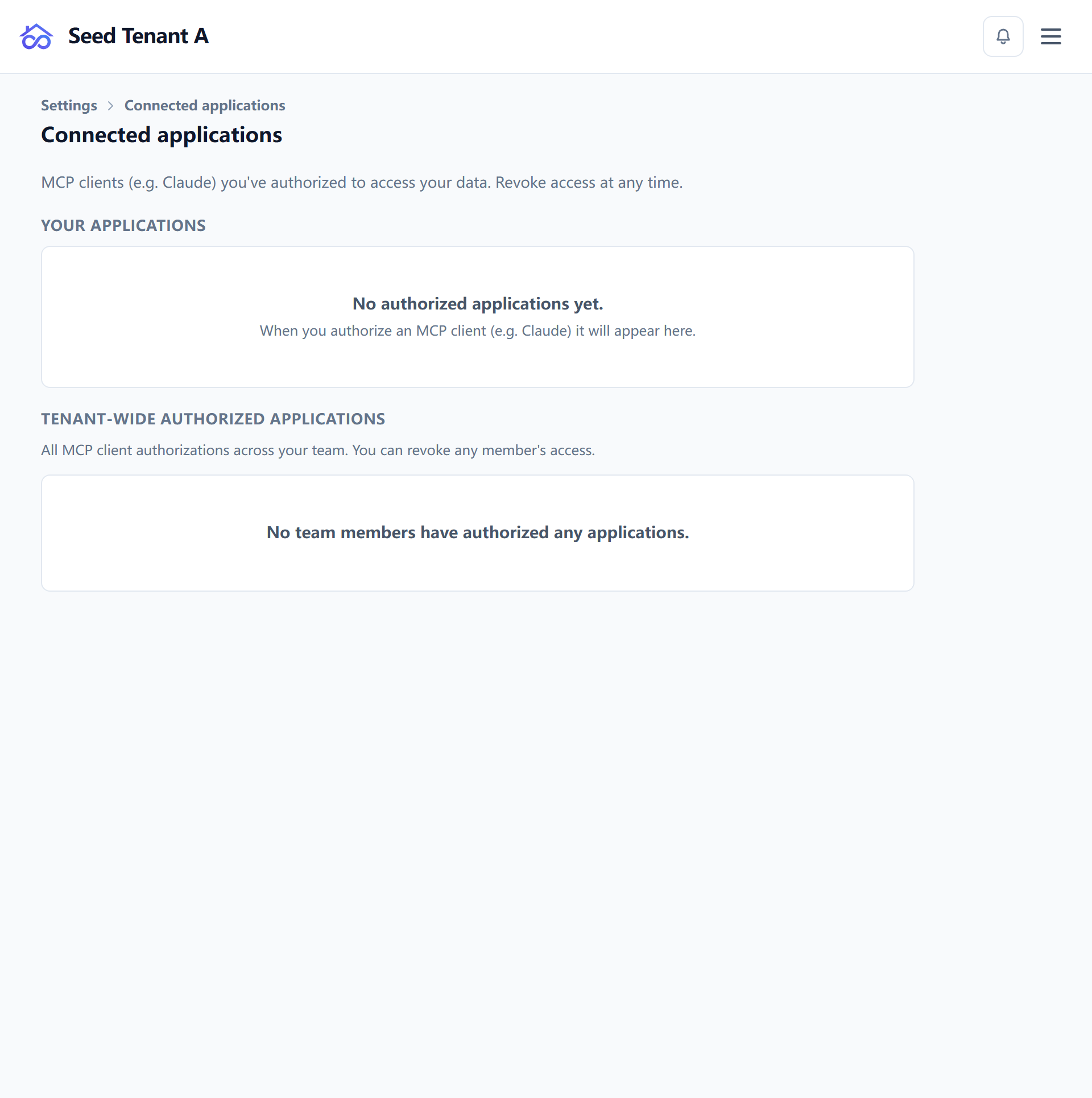
This page lists OAuth grants — outside applications and AI assistants that hold a key to this workspace's data. Each row names what it can reach, in plain groupings rather than raw scope strings, and separates read from write.
Two things to know:
- Revoke is immediate and always available. Anything listed here is something you approved once; nothing renews itself past a revoke.
- Owners and managers see the whole workspace's grants, not only their own. Everyone else sees theirs. A grant somebody else approved is still a door into your data, which is why the administrator view exists.
If this page is empty, it can mean two different things — nobody has been granted access, or this deployment does not offer that access at all. Both are safe; they are not the same.
Review it on a schedule
The point of a page like this is periodic reading. A grant made for a trial integration eight months ago is exactly the sort of thing nobody remembers until it matters, and it is one click to remove.
← Automations · Next: Billing, seats and usage