
Delivering the report
Documentation
Getting the report to the people entitled to it, and knowing what the record of that actually says.
Part 6 of 7 in the inspection workflow.
Who receives it, and by what route
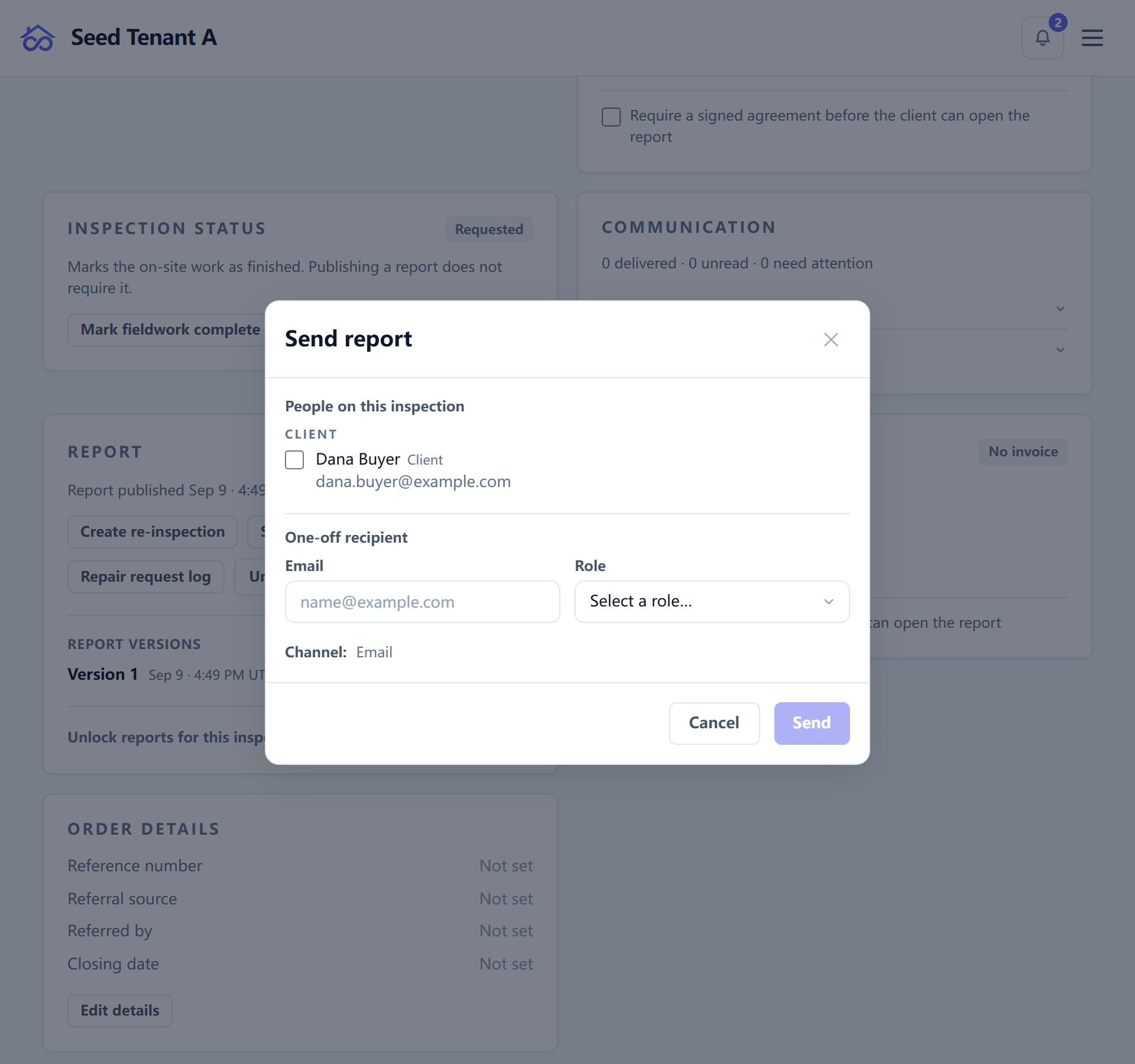
Sending offers the people already on the inspection, grouped by their role, and a one-off address for someone who is not on it — a lender, a relative, a contractor the client asked you to copy.
Each recipient gets their own link. Not one link forwarded around: a role-keyed, tokenised address issued to that person, plus their own copy of the PDF. That is what makes the delivery record per-person rather than per-report, and what lets a link be expired or revoked for one recipient without touching anybody else's.
Report sends go by email. Text messages are their own path with their own consent rules — a report is not pushed down an SMS channel as a fallback.
What a recipient sees
The report opens at /report-view/<tenant>/<id>. There is no account, no
password, and nothing to install: the link is the credential.
If a gate is unmet, they land on the gate page instead — which says what is outstanding and offers the one action that clears it (sign, pay, or both at once), rather than an error.
The delivery record, and the two things it does not prove
Needs:
viewCommunication
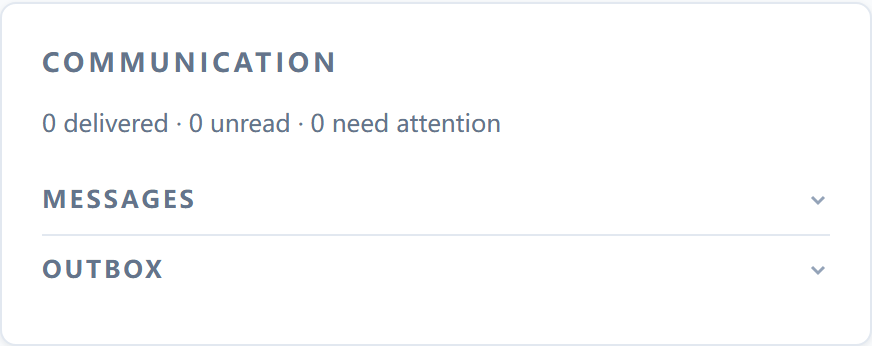
The inspection's Communication card shows, per recipient, that a message was sent, whether the provider accepted it, and whether the link was opened. Read all three together — they answer different questions, and the page deliberately shows "not opened" beside the delivery status rather than only reporting the positives.
Two limits are worth stating plainly, because both bite in exactly the situation where the record matters most:
"Opened" is not proof that your client read the report. Corporate mail
security opens every link in an inbound message; so do browser prefetchers. The
obvious non-humans are filtered out — HEAD requests, declared prefetch and
prerender fetches, the PDF pipeline's own render pass, print views, and your
own preview of your own report — but a scanner that issues an ordinary request
is indistinguishable from a person. So the record will sometimes say an
identified person opened a document they never saw.
And that will not be "fixed" by a read receipt. Buying accuracy with client-side confirmation would change what the product is doing to the recipient's device, and that is a trade this product does not make. The honest version of this feature is a signal with known error, presented as a signal.
Say "the report was delivered and the link has been opened" — never "your client has read the report". The first is what happened; the second is a claim the system cannot support.
A recipient can also object to their views being recorded, from the report page itself. After that, opens are not counted for them. Objecting twice does not restart anything — the original date stands.
Resending
A failed send can be re-issued to that one recipient, from the same row that reported the failure.
Two rules are built into that button:
- A resend follows the original channel. An email that failed is resent as email, a text as a text. Never crossing channels is deliberate: consent and suppression are per-channel, and a "helpful" fallback is how a person who opted out of texts gets one anyway.
- Automation rows offer no resend. If a rule sent it, re-firing the rule is the Automations page's job — repeating one delivery by hand hides the fact that the rule itself is failing.
While a resend is in flight the button is disabled rather than swallowing the second click silently.
The client portal is the copy that lasts
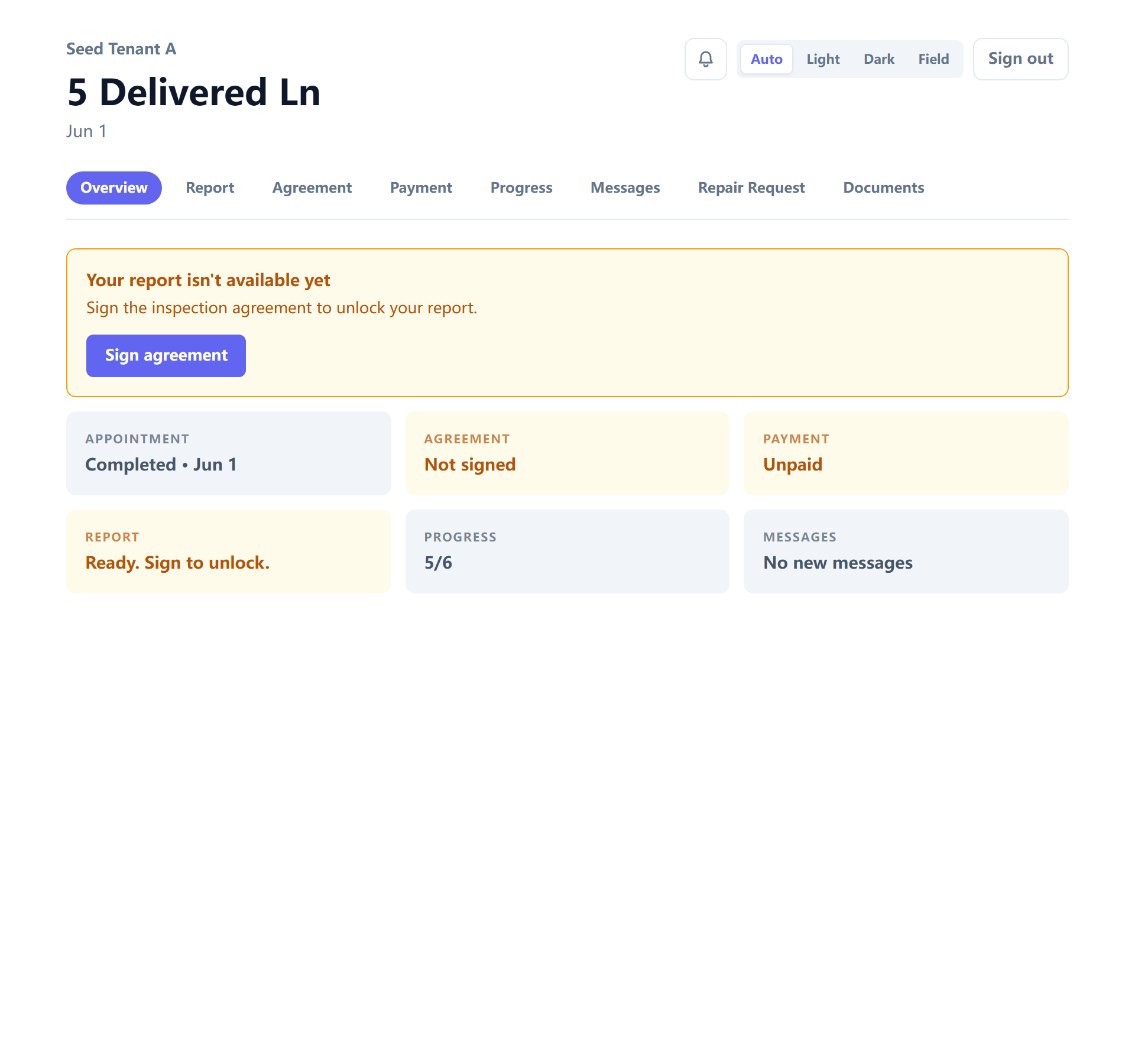
Email is a delivery route, not storage. The durable copy lives in the client's
own portal at /portal/<tenant>: their inspections, and per job a hub at
/portal/<tenant>/i/<inspectionId> holding the report, the agreement and the
invoice in one place.
They sign in with a link rather than a password — covered from their side in Your client portal.
Notification settings live at /portal/<tenant>/notifications and work signed
out: the page takes an email address and mails a one-time link back, without
saying whether that address is known to the workspace. A page that answered
that question would be an address-checking oracle for anyone who found it.
Repair requests
From the report a client can build a repair request — picking the findings they want addressed. What they build lands in the Repair Request Log on the inspection, and a contractor can be given a scoped view of just that request without seeing the rest of the report.
← Publishing a report · All guides · Invoicing and payments →