
Invoicing and payments
Documentation
Getting paid, and keeping the books straight afterwards.
Needs:
financialOwners and managers have it; inspectors do not, by default.
Part 7 of 7 in the inspection workflow.
What creates an invoice
An invoice is raised against a job — from the inspection itself, or from
/invoices for work that has none.
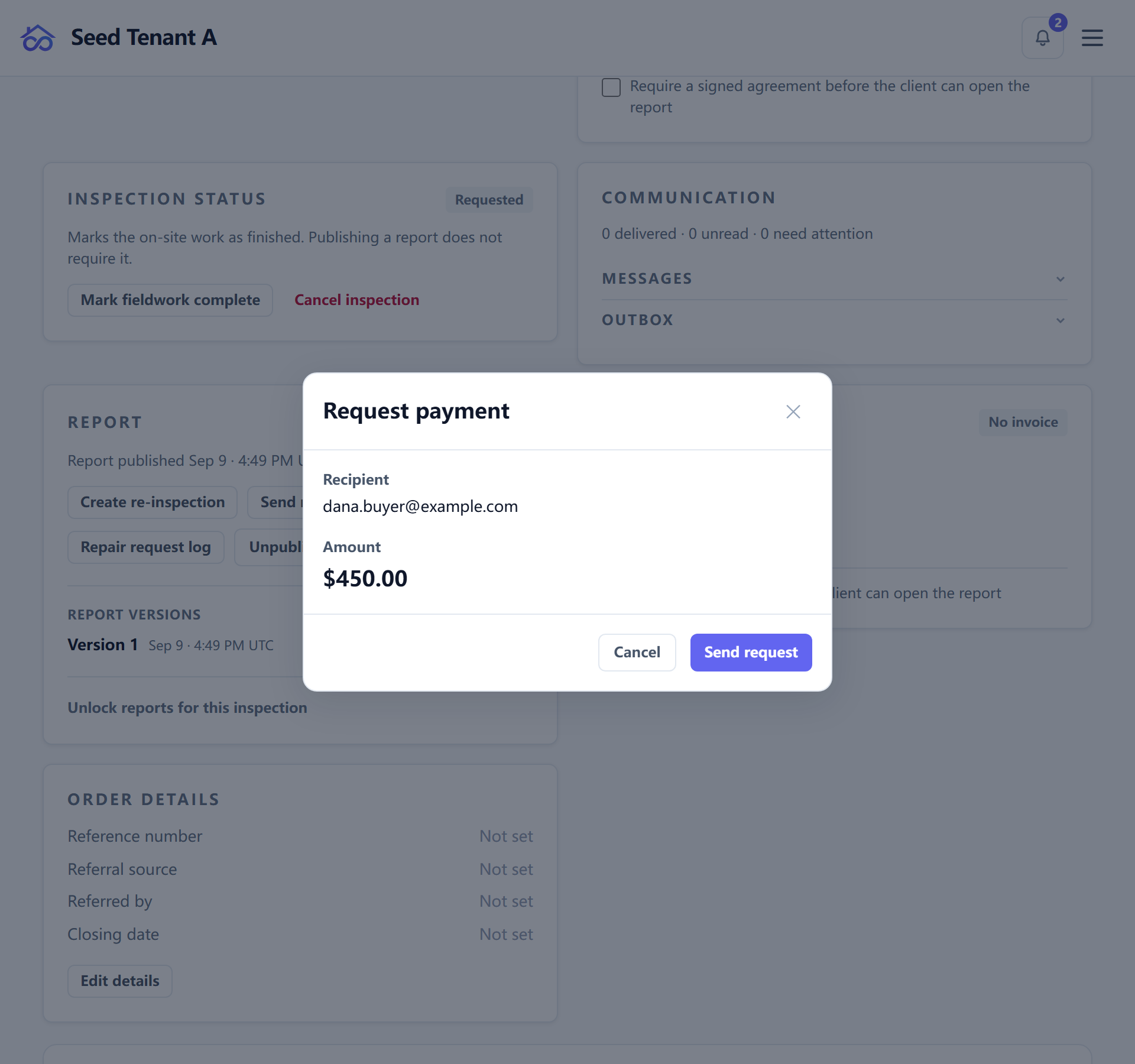
Three things happen at creation that are easier to trust than to rediscover:
- The invoice number is allocated, not calculated. Two people raising an invoice at the same moment get two numbers. (Deriving it as "the highest so far, plus one" is how the second person meets a refusal instead of an invoice.)
- The currency is stamped onto the invoice, so changing the workspace currency later leaves history describing itself correctly.
- A deposit taken at booking is applied here. Until an invoice exists, a deposit sits against the order with nothing to belong to. At creation it becomes money against this invoice — which is also the moment the client stops being shown the full total with no sign their deposit arrived.
A new invoice starts as a draft. A deposit does not send it.
How a client pays
The client pays at /invoice/<id>, or through /checkout/<tenant>/<token>
when signing and paying are combined into one page.
Payments run through your own Stripe account. Your stored key beats any key configured at the deployment level — deliberately, and this is the one precedence rule in the product that runs that way round. Every other integration key lets the deployment's value win; for Stripe, a stray platform key would silently route every workspace's homebuyer payments into the wrong account, so the workspace's own value always wins.
The pay-gate, and not using it
A report can be held until the invoice is paid. The switch lives on the inspection's invoice card, and guide 2 covers it alongside the agreement gate.
It is off unless you turn it on, and plenty of good practices do without it — gating a report you have already delivered by hand achieves nothing, and some clients are invoiced on account. What the gate is for is the case where the report is the deliverable and payment is expected before handover.
When a gate is holding a report a client needs for a reason that no longer applies, an owner or manager can unlock that one inspection rather than turning the policy off for everybody.
Recording a payment you took yourself
Cash, a cheque, a bank transfer, a card machine that is not this one: mark the invoice paid and record the method.
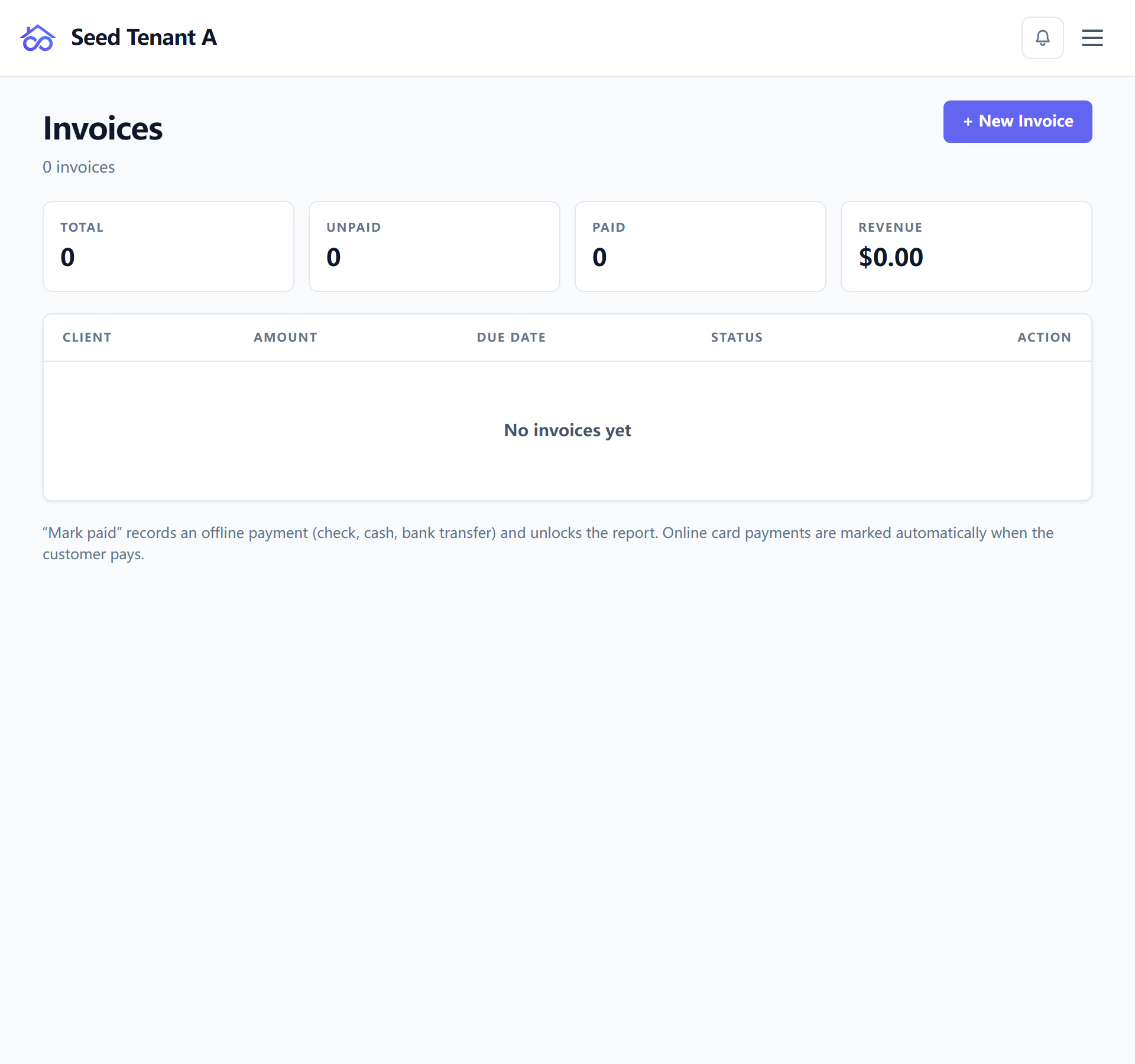
That does two things, and the second is the one people miss: it settles the invoice, and it closes the payment gate on the linked inspection, so the report opens for the client without further action.
What reaches QuickBooks, and when
QuickBooks Online sync is optional, at Settings → Integrations → QuickBooks. One QuickBooks company connects to one workspace.
What is sent when you record a payment is the amount collected on that occasion — never the invoice total. That distinction is worth stating because getting it wrong inflates revenue rather than losing it: on a $450 invoice with a $90 deposit already booked, pushing the total on final payment would record $540 of revenue against $450 of money. If nothing was appended — the invoice was already settled — nothing is sent, because nothing happened.
Deleting an invoice voids its counterpart in QuickBooks rather than leaving an orphan behind.
Hosted — there is nothing to configure. One published Intuit app serves every workspace, so the page offers a single Connect button and no credential fields; they would be questions with no right answer for you.
Self-hosted — register your own app with Intuit first. Intuit matches the redirect URI byte for byte and your deployment answers on its own domain, so the platform's app cannot serve you — the credential fields are there for that reason, not as a restriction.
QBO_ENVis among them and has no default: a guessed Intuit host is wrong half the time and fails in a way that reads like a bad credential. The full walkthrough is QuickBooks Online — connecting a self-hosted deployment.